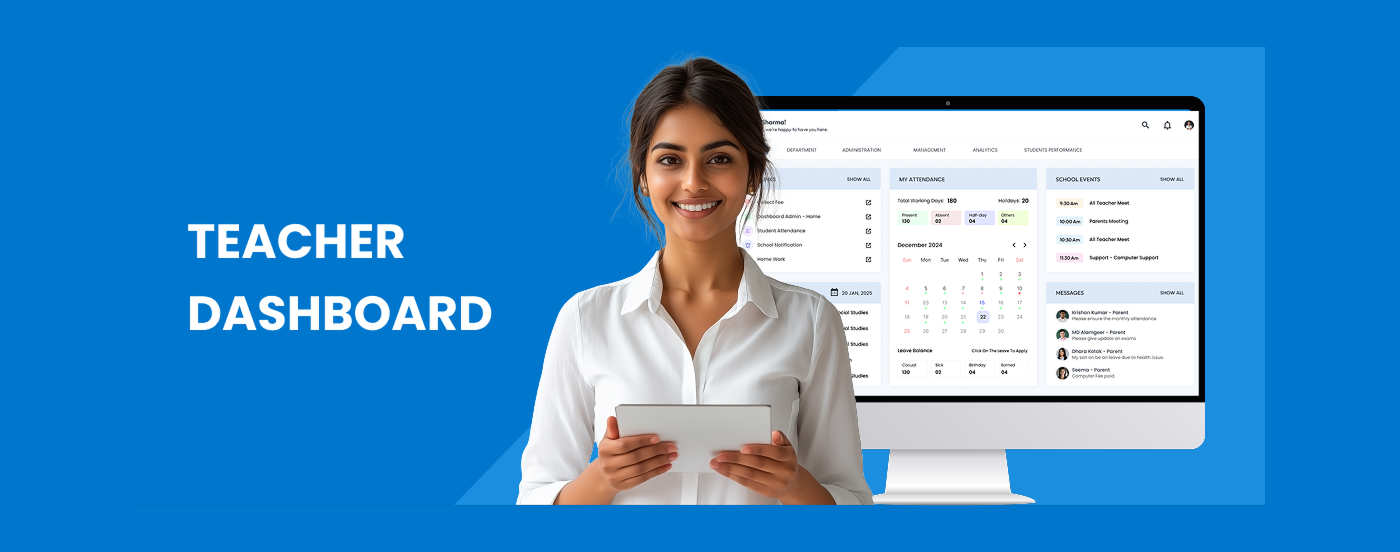
UX Case Study — Teacher's Dashboard
Project: Empowering Teachers with a Smart, Simple Dashboard
Problem Statement
"Teachers spend a large part of their day juggling between lesson planning, tracking student progress, communicating with parents, and administrative reporting — often across multiple platforms. This fragmentation leads to stress, inefficiency, and less time for teaching."
Pain Points
Pain Point Impact on Priya, Multiple platforms for attendance, grading, messaging Wastes time and causes errors, manual grade calculations tedious & prone to mistakesLack of student progress insights gard to personalize learning no quick parent communication channel. Delayed responses, Missing daily reminders & alerts, Leads to task backlog
Goals of the Dashboard:
- Provide a centralized platform for daily teaching needs.
- Enable quick access to class schedules, assignments, and student performance.
- Simplify communication with students
- Reduce manual administrative work.
User Persona
- Name: Priya Sharma
- Age: 35
- Role: Class Teacher (Grade 5)
- Experience: 10 years teaching
- Tech Comfort Level: Medium
Priya's Goals:
- Spend more time teaching, less time on admin tasks.
- Track student progress easily.
- Communicate quickly with parents.
- Get daily tasks at a glance.
Key Features
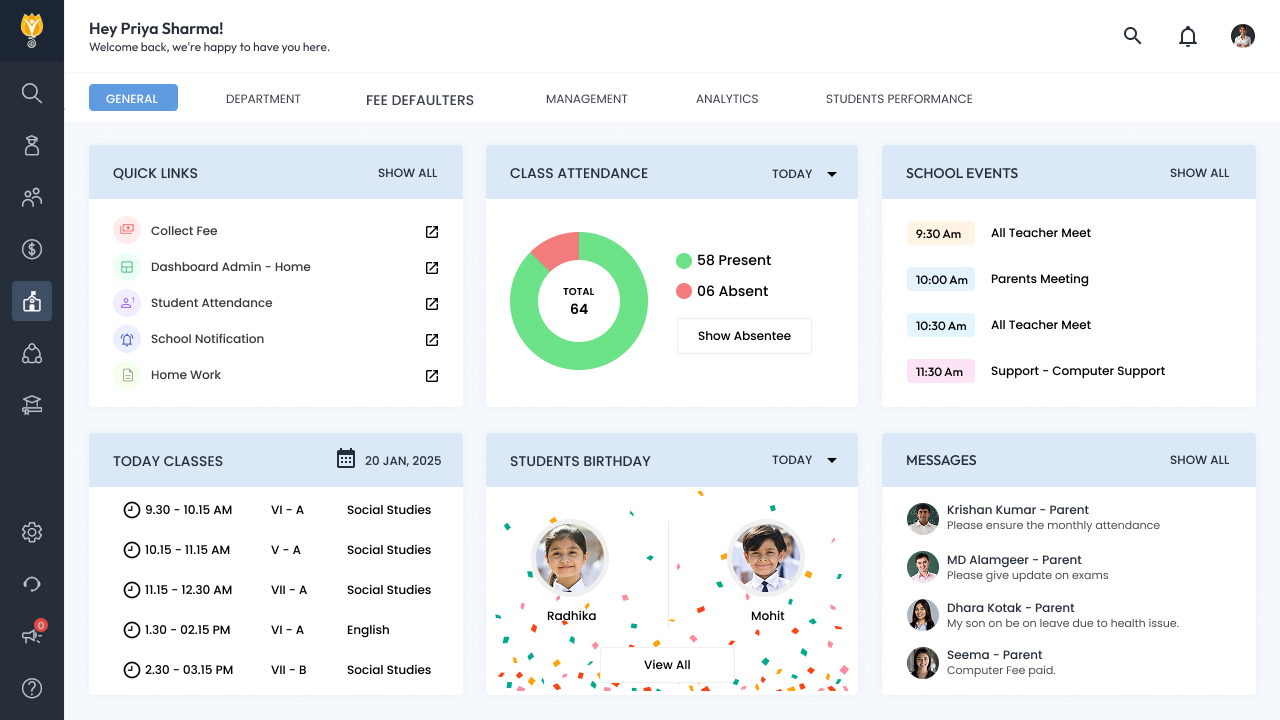
- Personalized Daily Overview,
Snapshot of today’s classes, pending tasks, student birthdays, and important alerts. - Smart Attendance and Grading
1. 1-click attendance.
2. Auto-grade calculations.
3. Visual grade analytics. - Student Progress Insights
Dashboard for each student: performance trends, participation, behavior notes. - Integrated Messaging
1. In-app chat for parents and students.
2. Predefined templates for common messages (leave, homework, feedback). - Task and Reminder Hub
1. Automated reminders for reports, meetings, and submissions.
2. To-do list for daily priorities.
How It Solves Priya’s Pain Points:
| Pain Point | Dashboard Solution |
|---|---|
| Fragmented tools | All-in-one platform |
| Manual grading | Auto-grade system |
| No student insights | Student analytics dashboard |
| Slow communication | Instant messaging |
| Task overload | Daily overview and reminders |
Outcome (Expected Impact)
- 40% reduction in time spent on admin tasks.
- 30% faster parent communication.
- Improved student engagement through personalized attention.
- Increased teacher satisfaction.
High-Fidelity Wireframes
Working with the Team (Teacher Dashboard Case Study)
For this project, I worked closely with product managers, developers, and QA to make sure the design moved smoothly from idea to implementation.
I started by aligning with the product manager on teacher pain points, priorities, and success metrics. Once the flows and wireframes were ready, I walked the developers through key screens, interactions, and edge cases so nothing was lost in translation.
To keep development fast and clean, We:
- Used a shared Figma file with components, styles, and interaction states
- Created reusable UI elements to avoid repeated work
- Flagged technical constraints early and adjusted designs where needed
- Stayed available during development to clarify specs and review builds